
7 Handy Voice Commands for Google Home (Plus Some for Your Phone!)
This article was automatically translated from Japanese by AI. Read the original Japanese version →
Table of Contents
I forgot to mention it in yesterday's best buys post, but I actually bought a Google Home Mini about a week ago. It sits neatly right between my dual monitors at home, and it links up with Chromecast really nicely too.
That said, I think it's a device that takes a bit of a knack to use well—and as someone who loves tinkering with quirky devices, here are the handy voice commands I've found most useful so far!
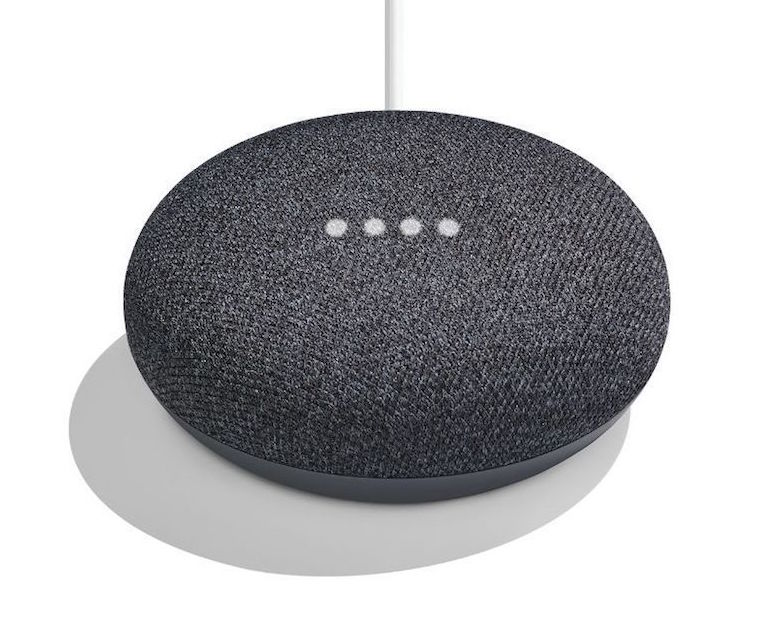
Google Home
"Tell me about my day" ("Kyō wa donna hi?")
This is what you say when you want to know today's date, day of the week, weather, and temperature. Most of my mornings start with this single phrase.
I use it to decide whether to do laundry, whether to bring an umbrella, and how warmly to dress.
"How do I get from home to work by train?"
It tells you the departure time at your nearest station for the fastest route.
It also tells you your arrival time at work and how long the trip takes.
You can swap out "work" for any station or destination you like too. You just need to register your home and work addresses in advance.
"Pause the TV"
I watch quite a lot of YouTube and d Anime Store on my TV via Chromecast, and I use this whenever I need to pause playback.
Before, I'd tap around on my phone, so just saying it out loud is way smoother.
To unpause, you just say "Resume the TV."
YouTube & Google Play Music Commands
Google Home is perfect for passively putting on YouTube or Google Play Music in the background.
First, saying "Show me videos on the TV" starts playing recommended YouTube videos one after another on the TV hooked up to Chromecast.
As long as you keep up with subscribing to channels you like, it does a solid job queuing up videos from your favorite creators.
Saying "Play my favorite music on the TV" plays tracks from your Favorites playlist in Google Play Music over Chromecast. You have to put the songs you want to hear into a playlist beforehand, though if you already keep up with playlists it's no trouble at all. Many of you probably already have a playlist for shuffle play anyway.
If you're not feeling a track, you can skip it with "Next video/song." You can also say "Shuffle" or "Set the volume to 50%."
"Wake me up at [X] tomorrow"
Sets an alarm for the specified time.
I often end up packing weekday evenings with gaming, drinks, or study sessions, so my wake-up and bedtimes tend to vary quite a bit—being able to set an alarm with one quick phrase is really nice.
Android
Google Home doesn't yet support adding calendar events or reminders in Japanese, so for those I mostly use "OK Google" (Google Assistant) on my phone.
"Add [event] on [date] at [time]"
Adds a calendar event. A confirmation screen pops up, and you just tap OK to save it.
Maybe Google Home doesn't have this yet because handling that confirmation step cleanly in a voice-only UI is tricky.
"Remind me to [X] at [time]"
Creates a reminder.
You can even set location-based reminders, like "Remind me to [X] when I get home."
It's super handy for things like remembering to bring in the laundry.