
I Bought the RS-WFIREX3 and Controlled Home Appliances With Google Home Mini!
This article was automatically translated from Japanese by AI. Read the original Japanese version →
Table of Contents
During Golden Week, I bought the RS-WFIREX3 Smart Home Appliance Controller. I've been tinkering with it quite a bit, so here's a review.
Smart Home Appliance Controller RS-WFIREX3 [RATOC]ratocsystems.com
Overview
The RS-WFIREX3 Smart Home Appliance Controller is a device that receives commands over Wi-Fi and sends them out as infrared signals.
If you're familiar with Nature Remo, you can think of it as the same kind of gadget. The RS-WFIREX3 sells for around ¥7,000 in stores, which is roughly half the price of a Nature Remo at around ¥14,000.
The RS-WFIREX3 also comes with a built-in thermometer, so when controlling your AC from outside the house, you can check the room temperature first before turning it on or off.
You can use its smartphone app like a virtual remote control, and I bought it because it also works with Google Home Mini.
Setup
The Wi-Fi setup was nothing special to write home about, so I'll skip that part. Configuring the remotes is really convenient. Most appliances are covered by built-in presets, and even if yours isn't, you can register it manually. To register manually, you tap a button on the virtual remote on your smartphone and then press the corresponding button on the physical remote. You can name the buttons whatever you like, so remotes with proprietary features work without a hitch too. The RS-WFIREX3 broadcasts infrared 360 degrees with a range of up to 20m. My place has three rooms, and placing it in the middle room lets me control the lights in all of them.
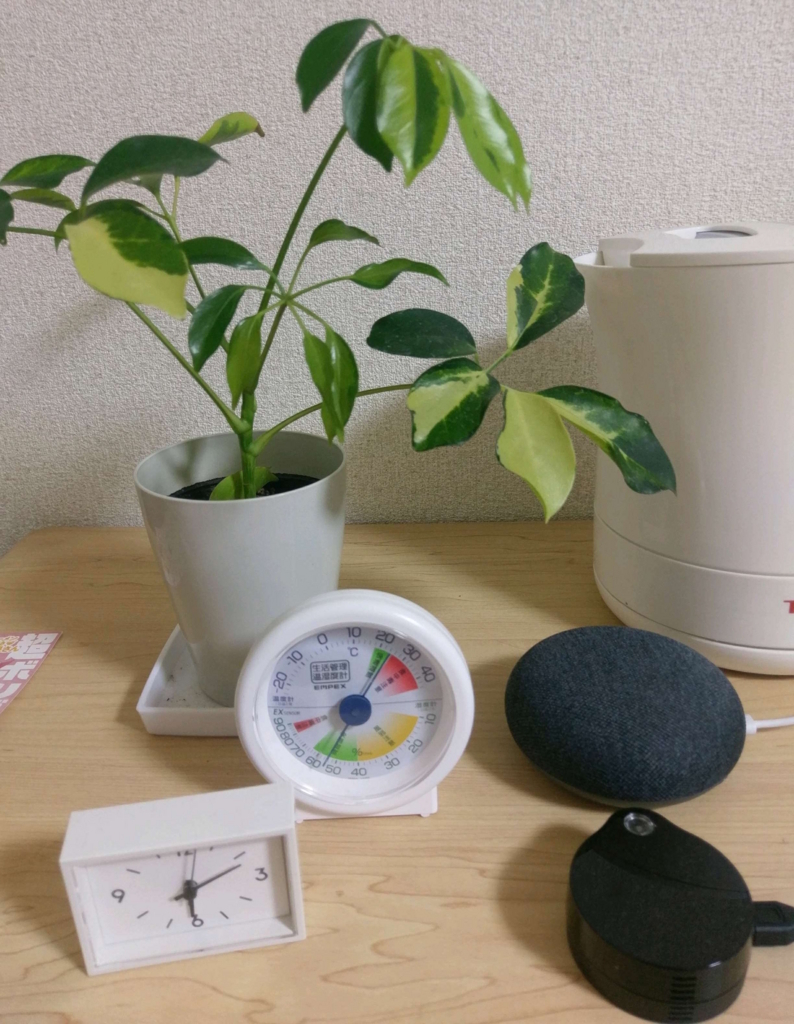
That tiny black box in the bottom right is the unit itself. It really is tiny.
Integration With Google Home Mini
Setting this up was also super easy, so I'll skip the steps. Voice commands look something like: "Ask Smart Remote to turn on Light 1." The "Smart Remote" ("Kaden Remocon") part is the name of the RS-WFIREX3's Google Assistant action (kind of like Pikachu Talk), so you have to put it at the start. You could omit it by creating a shortcut in Google Assistant, though I don't use shortcuts because I feel like that just makes things more confusing.
Instead of Light 1, you can also target Light 2, the AC, the TV, and so on. Besides turning lights on, commands like "turn off," "brighter," and "dimmer" work too. I haven't tried the TV yet, but apparently you can change channels and turn the volume up or down.
Smartphone (Virtual) Remote Features
Being able to control various appliances from a smartphone is already pretty great, but an even nicer feature is timer automation. I set my bedroom light to turn on automatically around the time I wake up in the morning. That might actually be the feature I appreciate the most.
Summary
When I first bought it, the voice command response was sluggish—it took around 5 seconds from finishing my sentence until the appliance actually responded—but somewhere along the way it became almost instantaneous. (Maybe an update fixed it?)
I use it when I'm heading out and occasionally forget to turn off a light, or at bedtime when I can't immediately find the remote and want to turn the lights off by voice. Once the weather warms up and AC season kicks in properly, I'm sure it'll come in handy for controlling the air conditioner too. Both the app and the voice features get frequent updates, so it'll likely only get more convenient from here.
I hope this post is helpful to anyone considering one.