
Gaming on a Big Screen! Trying Steam Link on a Large Google TV
This article was automatically translated from Japanese by AI. Read the original Japanese version →
Table of Contents
The other day I bought a 43-inch large TV, the Xiaomi TV A Pro 43 2025.
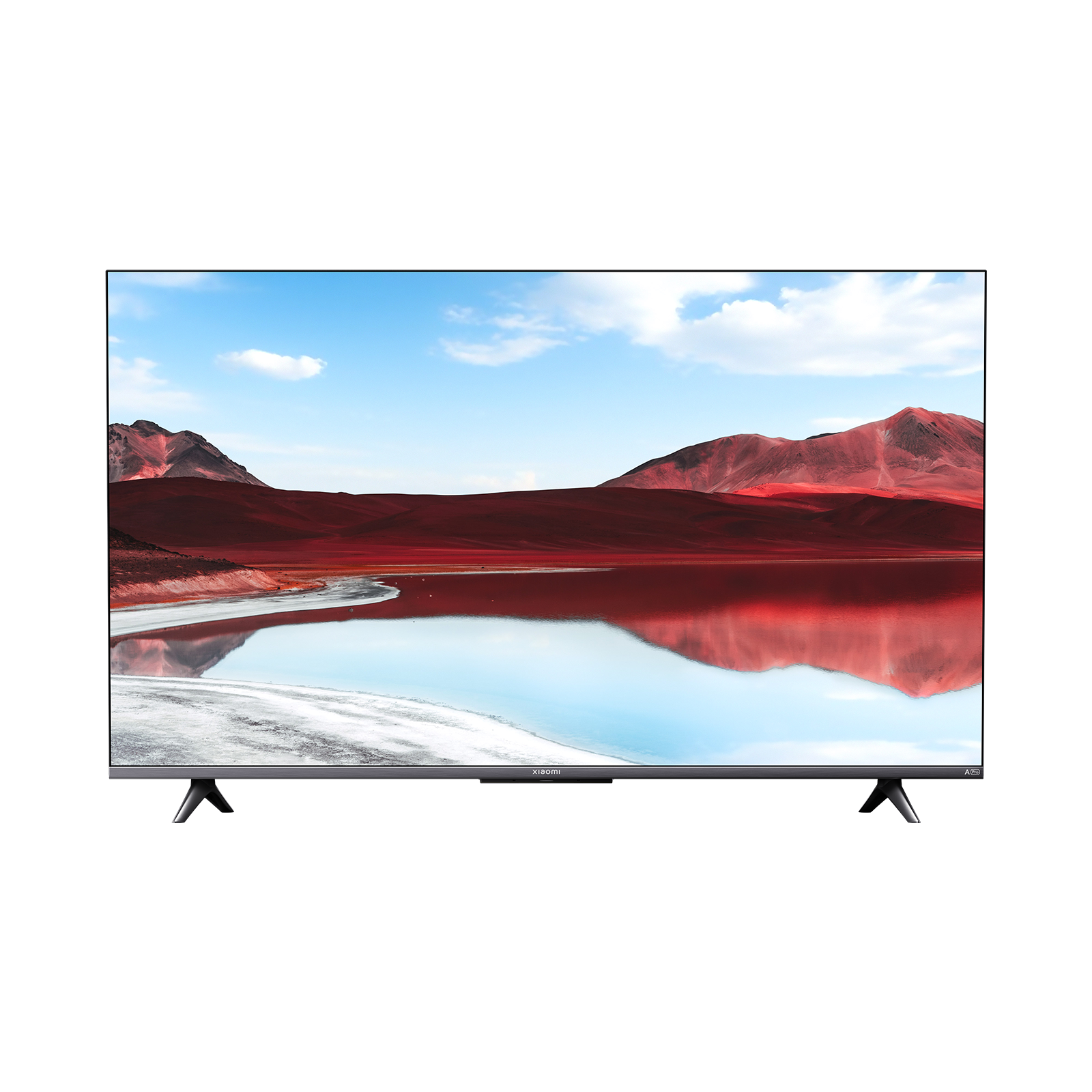
Now that I could fit a big TV in my bedroom, I wanted to take the opportunity to play games there, so I tried streaming games from my gaming PC using Steam Link.
How to Connect Steam Link
The Xiaomi TV A Pro 43 2025 runs an OS(?) called Google TV, which lets you install apps just like on a smartphone. Steam Link is supported too, so you just search for Steam Link in the app store and install it. As long as your TV and gaming PC are on the same network, launching the Steam Link app lets you pair them right away.
Resolution and Controller Setup
For resolution, 1440p ran the most stably in my environment. I tried 2160p (4K) as well, but it felt slightly unstable, so I settled on 1440p for the right balance of image quality and stability.
As for controllers, an Xbox controller was recognized without any issues and worked great for playing games. However, the Steam Controller got recognized as a mouse instead of a game controller, so I couldn't control games properly with it. On the other hand, a PS4 controller was recognized as a game controller while still letting you use the trackpad as a mouse, which was super convenient.
Actual Gameplay Experience
After trying out various games, I found that—though it probably depends on the specs of the Google TV device—things ran smoothly in my setup. Puzzle games and simulation games in particular were even more enjoyable on a big screen.
However, fast-paced action games suffered from occasional frame drops, making some moments awkward to play. Inevitably, some games are just a better fit than others.
Also Tried Playing via the Steam Deck
Since I also own a Steam Deck, I tried routing things as Gaming PC → Steam Deck → Google TV, streaming from the gaming PC to the Steam Deck over Steam Link. Video output from the Steam Deck to the Google TV worked fine, but external controller recognition didn't go smoothly. Because the Steam Deck already has built-in controls, those might be taking priority and preventing other controllers from working.
If you run games directly on the Steam Deck without Steam Link, external controllers work normally, so I think the sweet spot is running lighter games natively on the Steam Deck and using Steam Link for higher-spec games that don't demand super-tight inputs.
Summary
Combining the Xiaomi TV A Pro 43 2025 with Steam Link let me build a comfortable setup for playing games in my bedroom.
That said, intense action games may take a bit of tweaking. Also, connecting the Google TV via wired LAN could make the connection even more stable, so I'd like to try that next.
Pairing a large Google TV with Steam Link is a very appealing option for anyone who wants to enjoy games on a big screen. Hopefully this helps anyone considering gaming via Steam Link.
Update
I tweaked a bunch of settings and wrote a follow-up post.