
Bought an Apple Wireless Keyboard, So I'm Comparing It with the Wired Model
This article was automatically translated from Japanese by AI. Read the original Japanese version →
Table of Contents
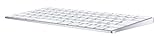
I bought an Apple Wireless Keyboard.
Buy Magic Keyboard with Numeric Keypad for Mac - SilverApple Store検索結果apple.com
Up until now, I had always used a wired keyboard. Since I really like having a numeric keypad, I had been sticking with wired, but a while back a wireless model with a numeric keypad came out, so I had been eyeing it for a long time.
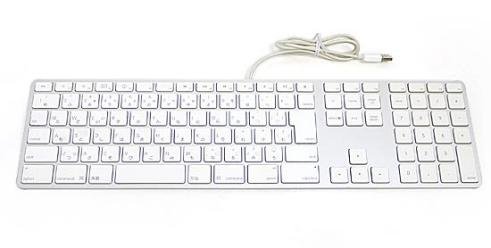
The biggest reason I upgraded was that I sold off the iMac I had at home on Mercari. Figuring whoever bought the iMac would probably want a keyboard too, I included my old keyboard with it and decided to buy a new one for myself. (Writing it out like that makes me sound kind of awful.)
So far I haven't felt any major advantage to going wireless aside from being easier to move around and position, but there were surprisingly quite a few subtle differences even between two genuine Apple keyboards, so I thought I'd briefly summarize them.
About the CapsLock Key
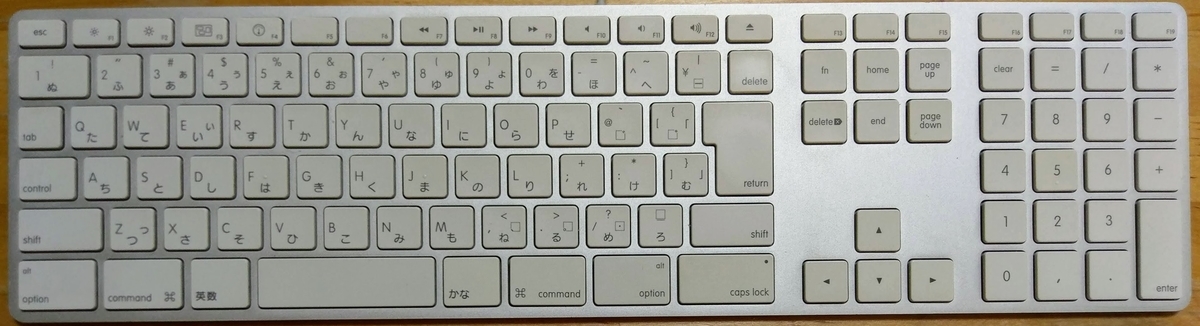
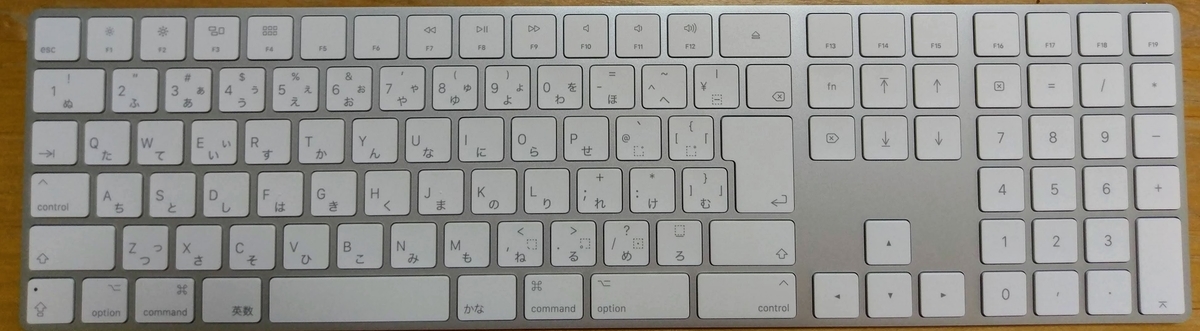
Top is the wired model, bottom is the wireless model.
The first thing that jumps out is the position of the CapsLock key. On the wired model, it was on the lower right. On the wireless model, it has moved to the lower left. You can see how the option and command keys on the lower left of the wired model shrank to about half their size to fit snugly. Conversely, on the wireless model, a new control key has appeared on the lower right.
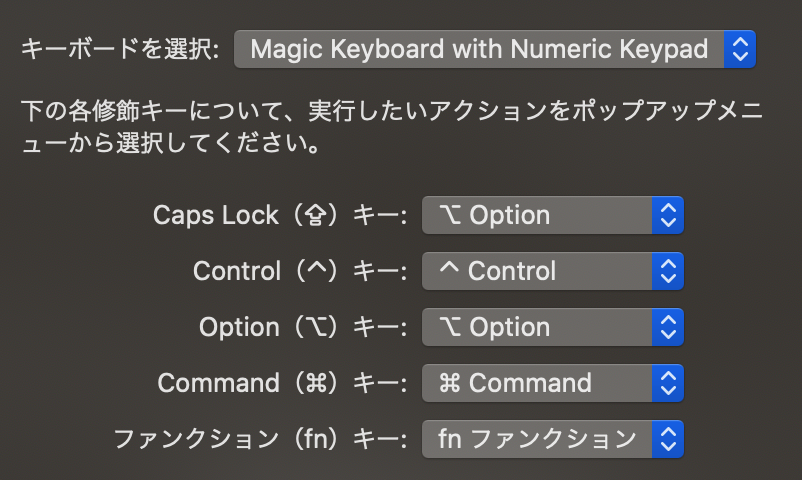
They probably wanted to align the CapsLock key position with the MacBook, though having CapsLock right where the option key used to be is pretty frustrating. So I promptly went to System Preferences → Keyboard → Modifier Keys and remapped CapsLock to behave as option. That takes care of it. Nobody really uses the CapsLock key anyway, right?
Key Legends and Icons
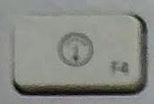
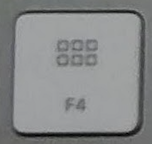
The speedometer-looking icon on the F4 key changed to something like a neat grid of squares. I never use this feature anyway so I don't really care, though the grid of squares does feel like it matches the actual function better...
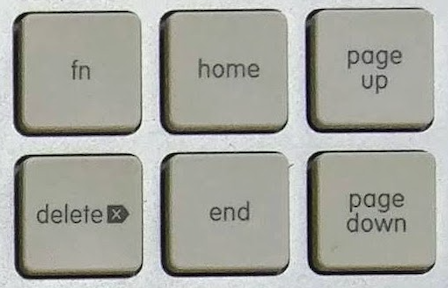
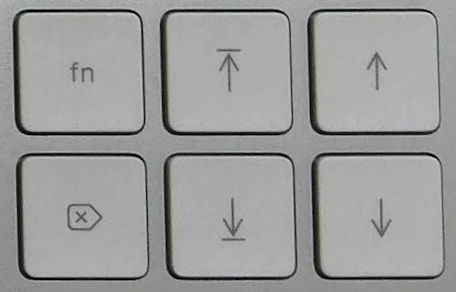
Also, keys like Home/End and Page Up/Page Down have switched to somewhat abstract icons. It's hard to tell whether they're easier or harder to understand—kind of borderline.
Other Things
Compared to the wired model, the wireless model has noticeably weaker rubber feet/grip. Also, the slight incline (higher at the back) that the wired model had is gone, so that takes a bit of getting used to. On top of that, the key feel has become much closer to a MacBook. Put the other way around, the wired model had a pretty distinct keystroke feel—though that comes down to preference, and personally I don't really mind either way.
Not having to occupy a USB port now that it's wireless is also a nice low-key perk, and overall I'm glad I bought it. That said, ¥14,000 for a keyboard still feels pretty pricey, so I guess it comes down to your budget.
I once bought an iBuffalo keyboard for Mac as well, but I ended up disliking the key layout and stopped using it after about a week. That one is sitting in my storage closet right now too, so I really need to sell it or get rid of it soon...
So, that was my little introduction (?) to the Apple Wireless Keyboard.